
Previews that help buyers find themselves, not copy your work
Some buyers screenshot a watermarked preview and run it through a free AI watermark remover instead of buying. Preview protection keeps your previews just as useful for finding yourself, while making a screenshot worthless.
Try it: tap the runner
This is exactly what a buyer sees in a protected gallery. Tap or click a person to open the full-screen viewer.
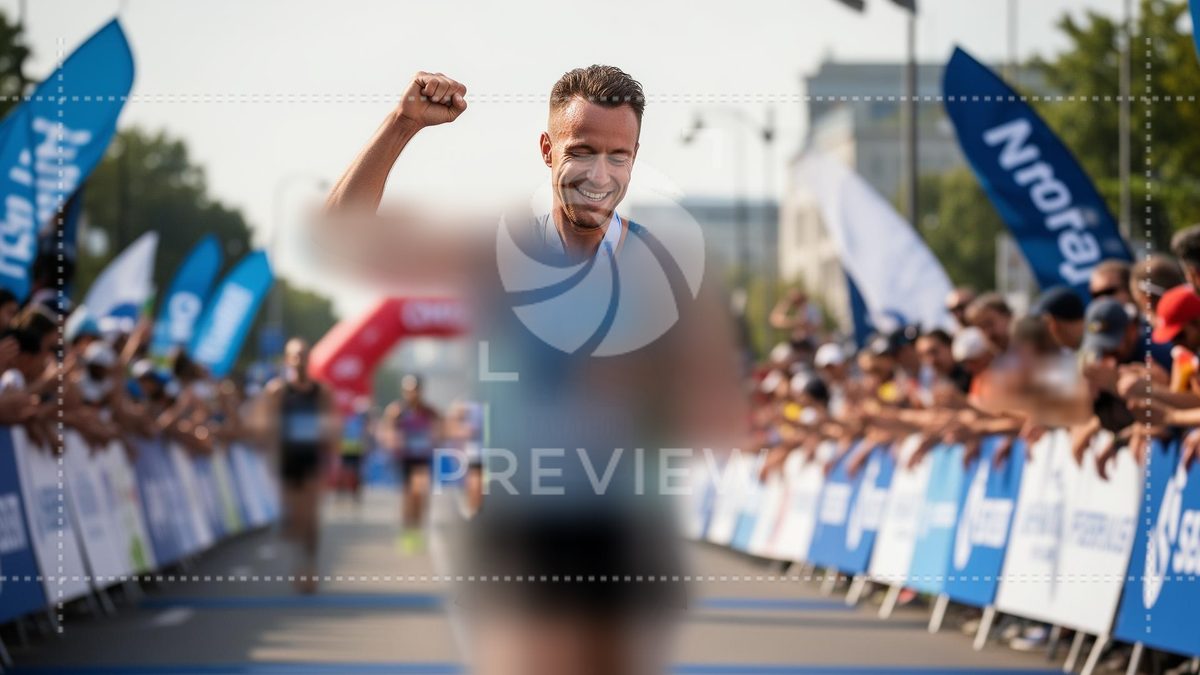
Demo image. In your galleries, people are detected automatically in every photo.
What a screenshot used to get, and what it gets now
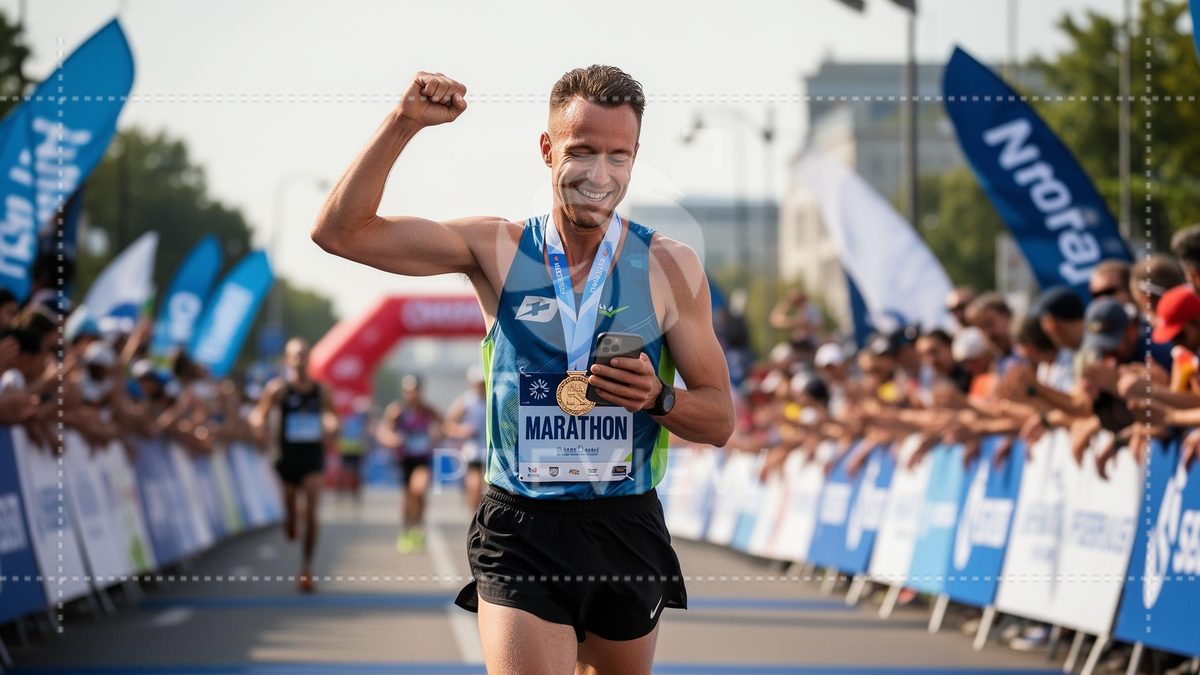
People are softly covered
Each person below the head is blurred inside their own outline, along with the bike they ride, because that's where race numbers live: softly in gallery thumbnails, more strongly when a photo is opened, and only lightly in close-ups. Faces are never blurred, so buyers still spot themselves while they scroll.
Tap a person to see them clearly
A tap (or click) opens a full-screen viewer on that person. A clear band slides over them from head to toe, and they can drag the slider to check every detail before they buy.
A screenshot is no use to AI removers
The watermark stays on throughout, and the screen only ever shows one band of the person clear. Watermark-removal tools need the whole picture underneath, so there's nothing for them to work with.
On by default. Your call, gallery by gallery.
Preview protection is switched on for every gallery that sells photos. Free-download galleries aren't affected, and selfie and bib search work exactly as before.
To turn it off for a gallery, open the gallery and go to Settings → Security watermark → Preview protection. The same setting shows an example made from your own photos.