Face recognition for event photos: how it works, accuracy, privacy and the law
How selfie search works, what affects match quality, consent and notices, GDPR and biometric data, and what to tell participants.
In this guide
Face search has changed what participants expect from event photos. Instead of scrolling through thousands of thumbnails, they take a selfie and get back the photos they're in. For organisers and photographers, that's a better experience and, usually, more photos found. It also means processing biometric data about everyone in the photos, which brings legal duties that a gallery of thumbnails never did.
This guide explains how a selfie search works in plain terms, what decides whether it finds someone, and what you need to think about on consent, notices and data protection, especially under the GDPR and UK GDPR. It's written from Photohawk's point of view, where we describe what our own system does.
How a selfie search works
Face search is two jobs that happen at different times: building a searchable index when the photos are uploaded, and comparing a selfie with that index when someone searches.
When the photos are uploaded
- Faces are found in each photoEvery face in the gallery's photos is located.
- Each face becomes a face templateA set of numbers describing the face, not a picture of it.
- Templates go into that gallery's indexOne index per gallery, used only for searching that gallery.
When you search with a selfie
- Your selfie is turned into a templateThe same kind of numbers, made from your face.
- It's compared with the gallery's templatesFaces that are close enough count as possible matches.
- The selfie is discardedIt isn't stored or added to any index. You see the matching photos.
When photos are uploaded, every face in every photo is found (face detection), and each face is turned into a face template: a set of numbers describing the face's features. The template isn't a picture, and you can't simply turn it back into one. On Photohawk, templates are held in a face-search index for that one gallery (Amazon Rekognition, in the EU region) or, for galleries on one of our own face models, as face vectors. We also keep small face crops privately so a gallery's index can be rebuilt without re-reading the originals; they're never shown to anyone.
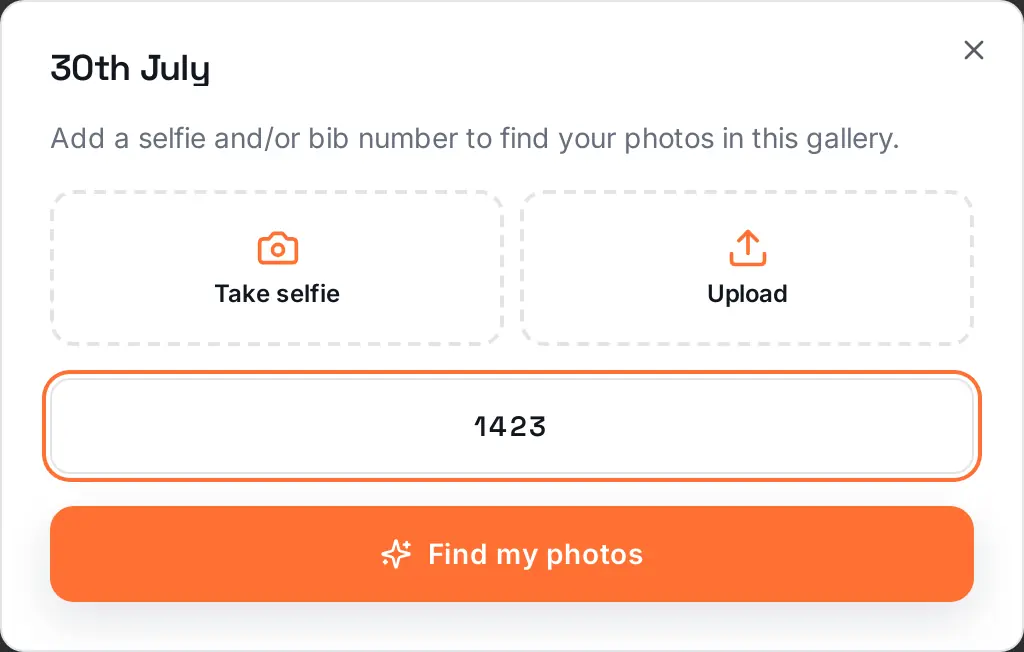
When someone searches, their selfie is turned into a template in the same way and compared with the gallery's templates (face recognition). Faces that are similar enough come back as possible matches. The system doesn't know anyone's name: it only says "this face looks like that face". The person searching decides which photos are really them. On Photohawk, the selfie is then discarded.
Photohawk has detected more than 185 million people in event photos so far, in every kind of light, weather and crowd. The next section is about why the same search finds some of them easily and others not at all.
What affects match quality
We don't quote a single accuracy figure for face search, because there isn't an honest one: the same system will find almost everyone in a sharp, well-lit finish-line gallery and struggle in a dim indoor venue full of people in helmets. What matters is understanding the factors, because most of them are in someone's control.
In the event photos
- Face size and sharpness. A face that fills a reasonable part of the frame and is in focus produces a good template. A tiny face in a wide shot, or one smeared by motion blur, may not be detected at all.
- Angle. Faces towards the lens match best. Profiles, faces looking down at a watch and heads turned to a friend are harder.
- What covers the face. Sunglasses, caps, cycling helmets, buffs, face paint, hands and other people's heads all remove information the comparison needs.
- Light. Hard midday shadows across the eyes, backlit finish arches and dark indoor venues all make faces harder to read.
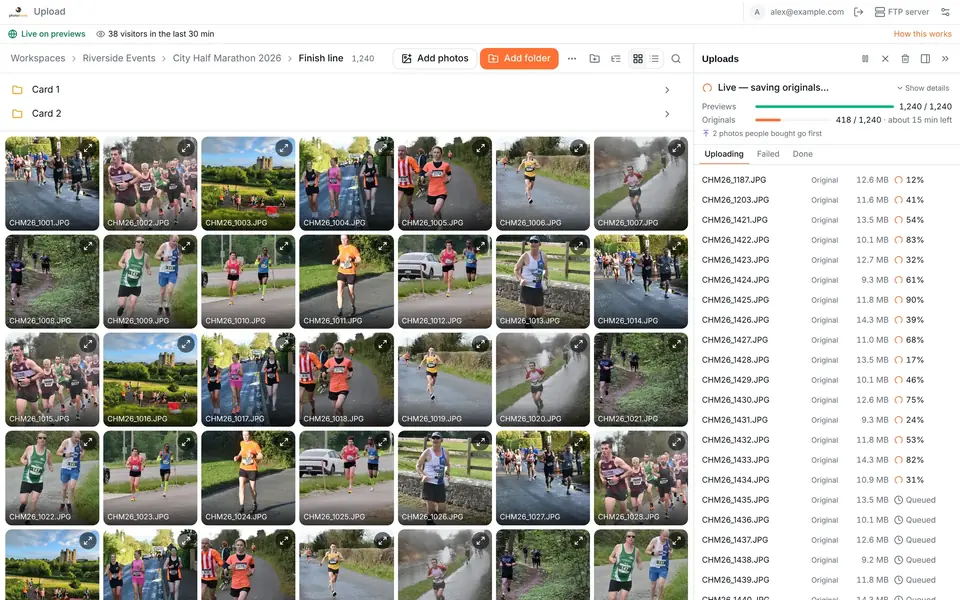
- Previews and originals. With previews first (on every plan), faces and bib numbers are found on the light previews so search works as soon as a gallery is live, and while the uploader is open it also sends sharper close-ups taken from the originals to help search.
In the selfie
- Good, even light from the front: a window or open shade.
- Facing the screen, at arm's length, with nothing covering the face. Sunglasses off, even if they were on during the event.
- No filters or beauty modes, which alter exactly the features being compared.
- One face only, so the search knows who it's looking for.
- Recent. A big change since the event, such as a beard shaved off, can lower the similarity.
Why bib search still matters
Face search and bib search fail in different situations. A runner in sunglasses and a cap has an unreadable face but a perfectly readable number; a runner whose number is under a jacket has a perfectly clear face. Offering both, and telling participants to try both, finds more people than either alone. If you decide not to use face search at an event, bib search and browsing still work.
Learn moreHow to find your race photos (by bib number or a selfie)The participant's side: where photos are, how each search works and what to do when it misses.Consent and notices
A selfie search involves two groups of people, and the law treats them differently in practice.
The person searching chooses to take a selfie and search. On Photohawk, face search runs only with the consent of the person searching, and they can withdraw it at any time. Their selfie is used for that search and discarded.
Everyone in the photos didn't choose anything. When the gallery is indexed, templates are created for every face in it, including people who will never search, spectators in the background and marshals. This is the part that needs the most thought, because these people are often unaware it happens. Three things help:
- Tell people before the event. Put a short, plain notice in the entry terms or registration page and in the pre-event email: that photos will be taken, that galleries can be searched by face, who provides the service, how long face data is kept and how to opt out.
- Tell them again where the photos are. Repeat it in the results email that links to the gallery and on the gallery itself, with a link to the full policy.
- Make opting out easy and real. Give one clear route and honour it. On Photohawk, anyone can ask for their face data to be deleted, in the gallery (selfie search, then Make a request) or by emailing support@photohawk.com. We delete the matching face data within 30 days and stop those photos from being indexed for face search again, without keeping a template of the person's face to do it.
Also agree, in writing, who does what. The event organiser, the photographer and the photo platform each play a part, and your contracts and privacy information should say which of you decides how face data is used and which of you processes it on another's behalf.
GDPR and biometric data
Under the GDPR and the UK GDPR, a face template created to identify people is biometric data, one of the special categories of personal data in Article 9. Processing it is prohibited unless one of the Article 9 conditions applies, such as the person's explicit consent, and you also need an ordinary lawful basis under Article 6. On top of that, the usual principles apply: tell people clearly, use the data only for its purpose, and keep it no longer than necessary.
That last principle, storage limitation in Article 5(1)(e), is where a published retention schedule earns its keep. Face data is only needed while people are still looking for their photos, which mostly happens in the weeks after an event. Photohawk's biometric data retention policy sets these limits:
Face data is deleted at the earliest of:
- 12 monthsafter each photo was uploaded, photo by photo, even if the gallery stays online
- 30 daysafter the gallery is closed or deleted, or face search is switched off for it
- 30 daysafter a person asks for their face data to be deleted, or withdraws consent
- 45 daysafter the yearly review finds it's no longer necessary
Selfies used to search are never stored. Photos, orders and bib search aren't affected.
Deletion is done by an automated job every day. Each photo whose face data is deleted is marked so it's never indexed for face search again, even if the gallery's search is rebuilt. When all of a gallery's face data has been deleted, selfie search ends for that gallery; its photos stay available to browse, buy and download, and bib number search keeps working.
Outside Europe, several US states have their own biometric privacy laws, including Illinois (the Biometric Information Privacy Act), Texas, Colorado and Washington, each with its own rules on notice, consent and destruction deadlines. Our retention policy explains how its limits fall within the deadlines those laws set, but if you run events in those states, get advice on your own obligations too.
For everything else about how Photohawk handles personal data, see our privacy policy.
What to tell participants
Participants don't need a lecture on templates; they need to know what happens, why, and how to say no. Here's a starting point you can adapt with your adviser, written for an event using Photohawk:
A checklist before you switch face search on
- You've decided, per gallery, whether face search is appropriate (think about children and sensitive events).
- Your entry terms, registration page and pre-event email mention photos and face search, in plain words.
- Your results email and the gallery link to the retention policy and explain how to opt out.
- You know who to contact at the photo platform with a deletion request, and how fast it's handled.
- Your contracts say who decides how the face data is used and who processes it.
- You've had your notice checked by someone qualified to advise on data protection where you operate.
Face search works best when people trust it. Being open about how it works, and making it easy to say no, is what earns that trust.
Learn moreBiometric data retention policyExactly what face data Photohawk keeps, how long, and how and when it's deleted.Questions people ask
Is face recognition at events legal under the GDPR?
It can be, but face templates used to identify people are biometric data, a special category under Article 9, so you need a lawful basis, a condition under Article 9, clear information for participants and limits on how long the data is kept. Get advice for your own event; this guide isn't legal advice.
Does Photohawk store the selfies people search with?
No. A selfie is compared with the gallery's face templates and then discarded. It isn't stored, isn't added to any index and isn't used to create a face template.
How long is face data kept?
On Photohawk, at most 12 months after each photo was uploaded, and sooner if the gallery closes, face search is switched off for it, or a person asks for deletion. The biometric data retention policy has the full rules.
How accurate is face search?
It depends on the photos and on the selfie: sharpness, how large the face is, the angle, the light and what covers the face. That's why results are presented as possible matches for the person to check, and why bib search is offered alongside it.
Can a participant opt out?
Yes. Anyone can ask for their face data to be deleted, or withdraw consent, at any time: in the gallery's selfie search under Make a request, or by emailing support@photohawk.com. Their photos stay in the gallery; they just can't be found by face.
Can I run an event with bib search but no face search?
Yes. Face search can be switched off for a gallery, and bib number search, browsing and buying keep working.
Written by
The people who build and run Photohawk
We build Photohawk, the platform event photos are shared and sold on, and we answer its support inbox. These guides come from what we see every week: how galleries are set up, how people search for their photos and what they ask us when something goes wrong.
Published · Updated · Last reviewed