
Galleries can be searched by bib number, and many also by selfie. You don't need an account to search.
Step by step
- Open the gallery. Use the link the event or photographer sent you, or search for the event on Find your photos and pick it by country and date.
- Choose Find me in this gallery (or Find your photos).
- Add a selfie (take one or upload one) and/or type your bib number, then choose Find my photos.
- Open the gallery to see every match.
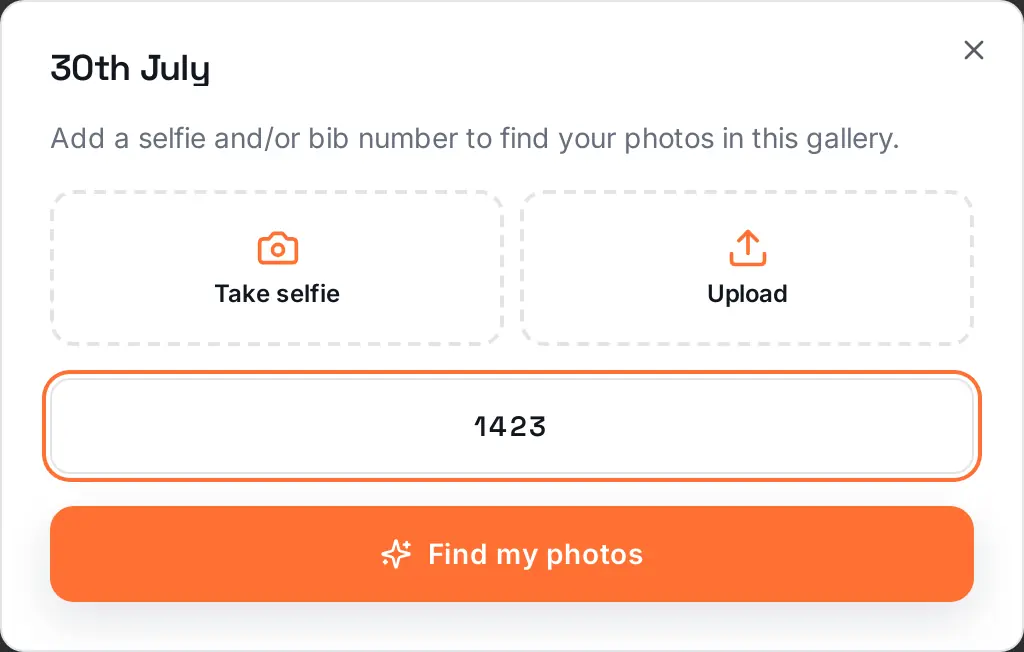
Tips for bib search
- Type the number exactly as it's printed, without wave letters or extra zeros.
- Open the right distance or day first: numbers are often reused between them.
Tips for selfie search
- Face the screen in good light, without sunglasses, a hat or filters.
- Make sure only your face is in the selfie.
Your selfie is used for that search only: it's compared with the gallery's face data and then discarded. See Delete your face data.
Was this article helpful?