
CloudTether connects your camera to your phone and sends each photo on as you shoot. With Photohawk connected, every JPEG goes straight into the gallery and collection you choose. Photohawk then does the rest: face, bib and time search, watermarks and preview protection, and selling.
You need CloudTether on an iPhone or Android phone, a camera CloudTether supports, and a Photohawk account that can upload to the workspace: an owner, administrator or photographer. Create the gallery and its collections in Photohawk first: CloudTether lists the ones that exist.
Connect Photohawk (once)
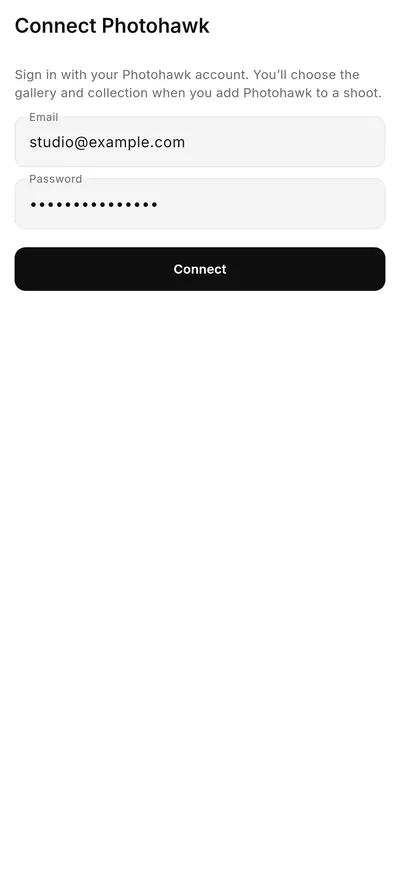
- In CloudTether, open Deliver and choose Photohawk.
- On Connect Photohawk, enter your Photohawk email and password and tap Connect.
CloudTether keeps a sign-in token, not your password.
Choose where your photos go
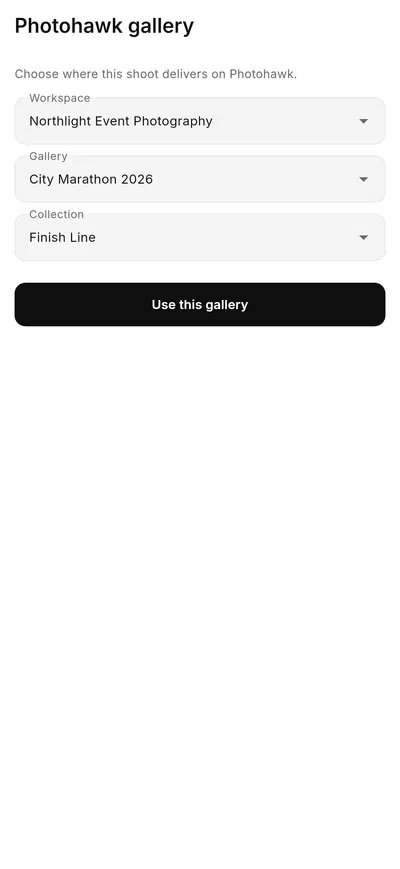
- Start a shoot in CloudTether and, under Deliver to, choose Photohawk.
- On Photohawk gallery, pick the Workspace, Gallery and Collection.
- Tap Use this gallery.
To change it later, open the shoot's settings and tap Change next to the gallery. If you're limited to certain galleries in a workspace, CloudTether shows only those.
Shoot
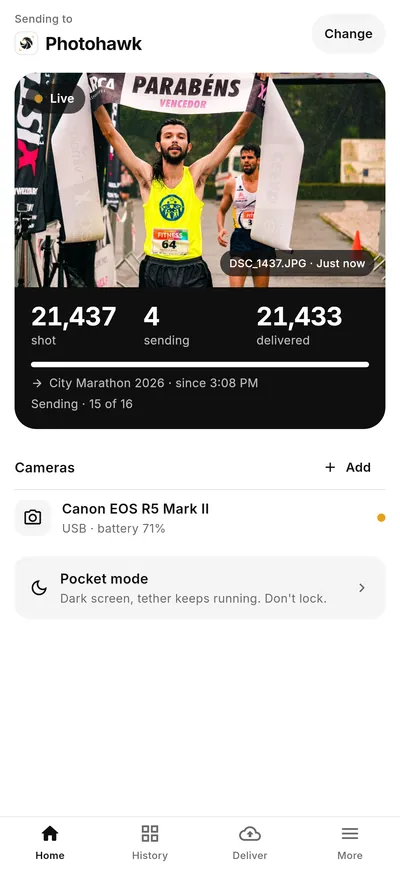
Connect your camera in CloudTether and shoot. Each JPEG is uploaded straight into the collection you chose and usually shows in the gallery within a minute, ready to search and buy. CloudTether shows how many photos you've shot, how many are sending and how many have been delivered.
You can tether several cameras to one shoot, over USB and Wi-Fi at once, and CloudTether keeps each camera's files apart. Pocket mode darkens the screen while the tether keeps running.
Shoot settings
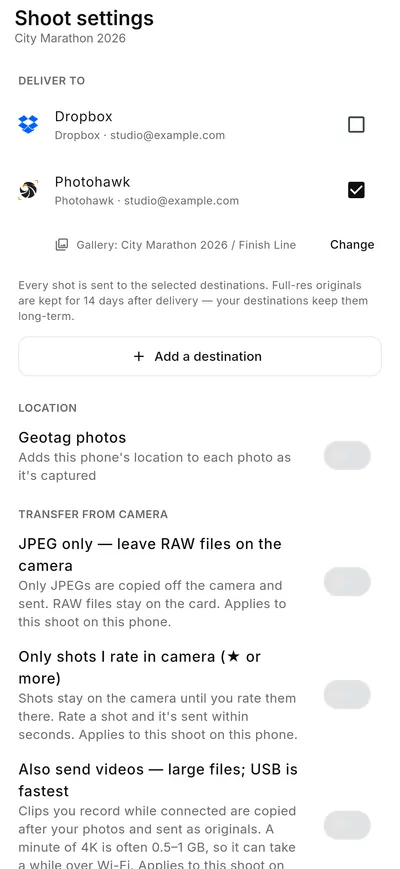
In the shoot's settings you choose what leaves the camera:
- JPEG only — leave RAW files on the camera: only JPEGs are sent. Use it if you shoot RAW + JPEG.
- Only shots I rate in camera: only the shots you rate are sent, seconds after you rate them.
- Also send videos: clips are sent as well. Photohawk takes videos only on the Max plan.
CloudTether keeps the originals on your phone for 14 days after delivery. You can also send the same shoot to other services, such as Dropbox, at the same time.
What gets uploaded
| On your camera | What happens |
|---|---|
| JPEG | Uploaded, with its capture time and other details kept. |
| RAW + JPEG | With JPEG only on, the JPEG is uploaded and the RAW file stays on the camera. |
| RAW only | Not uploaded to Photohawk. Switch your camera to RAW + JPEG. |
| HEIC, PNG, TIFF | Not uploaded. Shoot JPEG instead. |
| Video | Only with Also send videos on, and only on the Max plan. |
Troubleshooting
CloudTether shows Reconnect Photohawk. Your Photohawk sign-in in CloudTether has expired, for example after your password was reset. Tap Reconnect Photohawk and sign in again with your Photohawk email and password. If it still fails, sign in once at photohawk.com (for example to set a new password), then reconnect.
Photos aren't appearing. Check that your camera saves JPEG or RAW + JPEG, that Only shots I rate in camera is off (or that you've rated them), and that the shoot delivers to the collection you're looking at. Give a photo up to a minute to show.
Your gallery or collection isn't listed. CloudTether lists galleries and collections that already exist. Create them in Photohawk (only owners and administrators can create galleries), then choose them again in CloudTether.
You can't see a workspace. CloudTether lists the workspaces you're a member of. Closed workspaces aren't listed. Ask the workspace owner to invite you or give you access.
Uploads have paused. If your workspace is over its plan's storage and has no card on file, new uploads pause until the owner adds a card. Nothing is deleted. See What happens if I go over my storage?
Something else. For CloudTether itself (connecting the camera, the CloudTether subscription), see CloudTether. For your gallery, contact Photohawk support.
Learn moreUpload live from your cameraHow live uploading with CloudTether works, with screenshots.Questions people ask
Which plans can upload with CloudTether?
Every Photohawk plan, for photos. Videos go to Photohawk only on the Max plan. CloudTether has its own subscription, separate from your Photohawk plan.
Does CloudTether upload RAW files?
Not to Photohawk. Set your camera to RAW + JPEG and turn on JPEG only in the shoot settings: the JPEG is sent and the RAW file stays on the camera.
Why does CloudTether ask me to reconnect Photohawk?
Your Photohawk sign-in in CloudTether expires from time to time, for example after your password is reset. Tap Reconnect Photohawk and sign in again.
Was this article helpful?